Building a SaaS on WordPress: Enterprise Companies Choose WP
June 16, 2026
WordPress: Beyond Blogging to Enterprise SaaS Platform
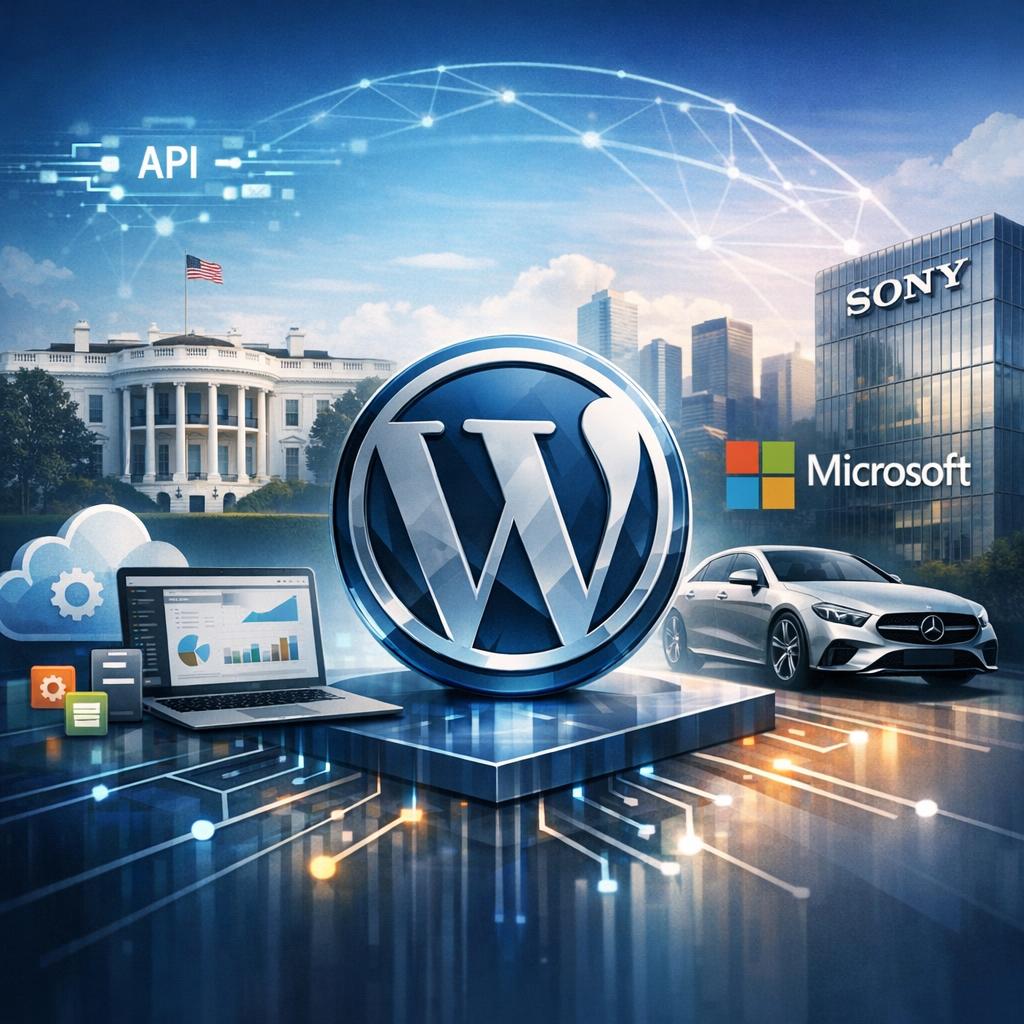
When most people think of WordPress, they imagine simple blogs or small business websites. However, this perception couldn’t be further from reality for modern enterprise applications. Major organizations including The White House, Microsoft, Sony, and Mercedes-Benz trust WordPress to power their digital presence. What’s more surprising is that WordPress has evolved into a robust application framework capable of supporting sophisticated Software-as-a-Service (SaaS) platforms serving hundreds of thousands of users.
The transformation of WordPress from a blogging platform to an enterprise-grade application framework represents one of the most significant shifts in web development. With its REST API, custom post types, WP-CLI command-line interface, and multisite capabilities, WordPress now provides the foundation for complex, scalable SaaS applications. For business owners and decision-makers evaluating platforms for their next digital product, understanding WordPress’s enterprise capabilities can unlock significant competitive advantages while reducing development costs and time-to-market.
This comprehensive guide explores why enterprise companies choose WordPress for SaaS development, the technical architecture required, and how your organization can leverage this powerful platform for building subscription-based applications that scale.
The Technical Foundation: WordPress as an Application Framework
Modern WordPress bears little resemblance to its blogging origins. The platform now functions as a comprehensive application framework with enterprise-grade capabilities. The WordPress REST API enables headless architecture, allowing developers to build React, Vue, or Angular frontends while leveraging WordPress as a powerful backend. Custom post types transform the basic blog structure into sophisticated data models for any application type, from project management tools to e-learning platforms.
WP-CLI provides command-line control for automated deployments, database migrations, and system maintenance—essential for DevOps workflows. WordPress multisite architecture enables true multi-tenancy, allowing a single installation to serve thousands of separate client instances with isolated data and customizable features. These technical foundations position WordPress as a serious contender against custom-built solutions or expensive enterprise frameworks.
Core SaaS Architecture Components
Building a WordPress SaaS requires implementing several critical architectural components that transform a standard installation into a subscription-based application:
- User Management Systems: Advanced role and capability management beyond WordPress defaults, enabling feature-based access control and hierarchical permissions
- Recurring Billing Integration: Seamless connections with Stripe, PayPal, or other payment processors for automated subscription management and revenue recognition
- Feature Gating: Conditional access to functionality based on subscription tiers, usage limits, or account status
- Usage Analytics: Real-time tracking of user behavior, feature adoption, and system performance for data-driven product decisions
- API Development: RESTful endpoints for mobile applications, third-party integrations, and webhook communications
The plugin ecosystem provides battle-tested solutions for these requirements. MemberPress, Restrict Content Pro, and WooCommerce Subscriptions offer enterprise-ready membership management. These solutions handle complex subscription logic, dunning management, and customer lifecycle automation that would require months of custom development.
Scalability and Performance for Enterprise SaaS
Scalability concerns often dominate SaaS platform discussions, and WordPress can absolutely meet enterprise demands when properly architected. A real-world case study demonstrates this capability: an education platform built on WordPress currently serves over 100,000 active users with sub-second page load times and 99.9% uptime. The key lies in implementing proper caching strategies, database optimization, and content delivery network integration.
Object caching with Redis or Memcached eliminates repetitive database queries, while full-page caching through Varnish or Nginx serves static content at lightning speed. Database optimization through proper indexing, query optimization, and read-replica configurations ensures responsiveness even under heavy load. CDN integration offloads static assets and provides global edge caching, reducing server load and improving user experience worldwide.
Security Hardening for SaaS Applications
Security represents a non-negotiable requirement for SaaS platforms handling customer data and financial transactions. WordPress security hardening involves multiple layers of protection beyond basic best practices. Implementation of Web Application Firewalls (WAF), regular security audits, and automated vulnerability scanning protect against common attack vectors. Two-factor authentication, encrypted data transmission, and secure API authentication ensure customer data remains protected.
For enterprise applications, compliance with SOC 2, GDPR, and industry-specific regulations becomes essential. WordPress’s mature ecosystem includes plugins and services specifically designed for compliance management, audit logging, and data protection requirements. Regular security updates and the platform’s massive community provide rapid response to emerging threats.
Cost Analysis: WordPress SaaS vs Custom Development
Financial considerations drive most platform decisions, and WordPress offers compelling economics for SaaS development. Building a SaaS platform from scratch typically requires 6-12 months of development time with a team of specialized developers, resulting in costs ranging from $200,000 to $500,000 or more. WordPress-based development leverages existing infrastructure, proven plugins, and established patterns, reducing development time to 2-4 months and costs to $50,000-$150,000 for comparable functionality.
Beyond initial development, ongoing maintenance costs favor WordPress significantly. The platform’s automatic updates, extensive documentation, and large developer community reduce technical debt and support costs. Plugin updates handle security patches and feature improvements, eliminating the need for dedicated maintenance teams. Hosting costs remain competitive, with managed WordPress hosting providers offering enterprise-grade infrastructure starting at $100-$500 monthly, scaling based on actual usage.
Development Stack Recommendations
For organizations committed to building a WordPress SaaS, the following development stack provides enterprise-grade capabilities:
- Hosting: Managed WordPress hosting with auto-scaling (Kinsta, WP Engine Enterprise, or AWS with custom configuration)
- Membership Management: MemberPress or custom-built solution using WordPress user roles and capabilities
- Payment Processing: Stripe integration with WooCommerce Subscriptions or custom implementation
- Caching Layer: Redis for object caching, Varnish or Nginx for full-page caching
- CDN: Cloudflare Enterprise or AWS CloudFront for global content delivery
- Monitoring: New Relic or Datadog for application performance monitoring
Decision Framework and Platform Limitations
WordPress excels for content-rich SaaS applications, membership platforms, e-learning systems, and directory services. The platform provides exceptional value for businesses requiring rapid deployment, extensive content management, and proven scalability. However, certain limitations warrant consideration. Real-time collaboration features, complex data relationships, or applications requiring microsecond response times may benefit from specialized frameworks.
The decision framework should evaluate several factors: development timeline urgency, available technical resources, budget constraints, scalability requirements, and feature complexity. Organizations with limited technical teams benefit enormously from WordPress’s extensive documentation and developer availability. Companies requiring unique, highly specialized functionality might find custom development more appropriate despite higher costs.
For businesses seeking to build scalable, secure, and cost-effective SaaS platforms, custom WordPress development offers a proven path to market. The platform’s maturity, ecosystem, and enterprise adoption provide confidence that your application can grow from startup to enterprise scale without platform limitations becoming growth barriers.
Conclusion: WordPress as Your SaaS Foundation
WordPress has definitively proven itself as a viable enterprise SaaS platform, powering applications serving millions of users across diverse industries. The combination of robust technical capabilities, extensive plugin ecosystem, and cost-effective development makes WordPress an intelligent choice for businesses building subscription-based applications. While not suitable for every use case, WordPress provides the optimal balance of functionality, scalability, and economics for the majority of SaaS applications.
The key to success lies in proper architecture, security hardening, and performance optimization from the project’s inception. Organizations that treat WordPress as an application framework rather than a simple CMS unlock its full potential for building sophisticated, scalable SaaS platforms that compete effectively with custom-built alternatives at a fraction of the cost and development time.