Image Optimization: The 80% Performance Win Nobody Gets Right
August 11, 2026
The Hidden Performance Killer Destroying Your Conversion Rates
Here’s a sobering statistic that should make every business owner pause: images account for 50-70% of total page weight on most websites, yet less than 15% of businesses implement proper image optimization strategies. This isn’t just a technical oversight—it’s leaving money on the table. Every additional second of load time reduces conversions by approximately 7%, and poorly optimized images are the primary culprit behind slow-loading pages.
The reality is that image optimization represents the single largest opportunity for performance improvement that most businesses completely ignore. While teams obsess over minor code optimizations and server configurations, massive uncompressed images silently destroy user experience and search rankings. The good news? Implementing proper image optimization can reduce page weight by 60-80% without any visible quality loss, delivering immediate improvements in Core Web Vitals, SEO rankings, and ultimately, revenue.
This isn’t theoretical—businesses that prioritize image optimization see measurable results. One e-commerce client reduced their homepage from 4.2MB to 890KB through strategic image optimization alone, resulting in a 2.3-second improvement in load time and a 34% increase in mobile conversions. Let’s explore how you can achieve similar results.
Modern Image Formats: Your Competitive Advantage
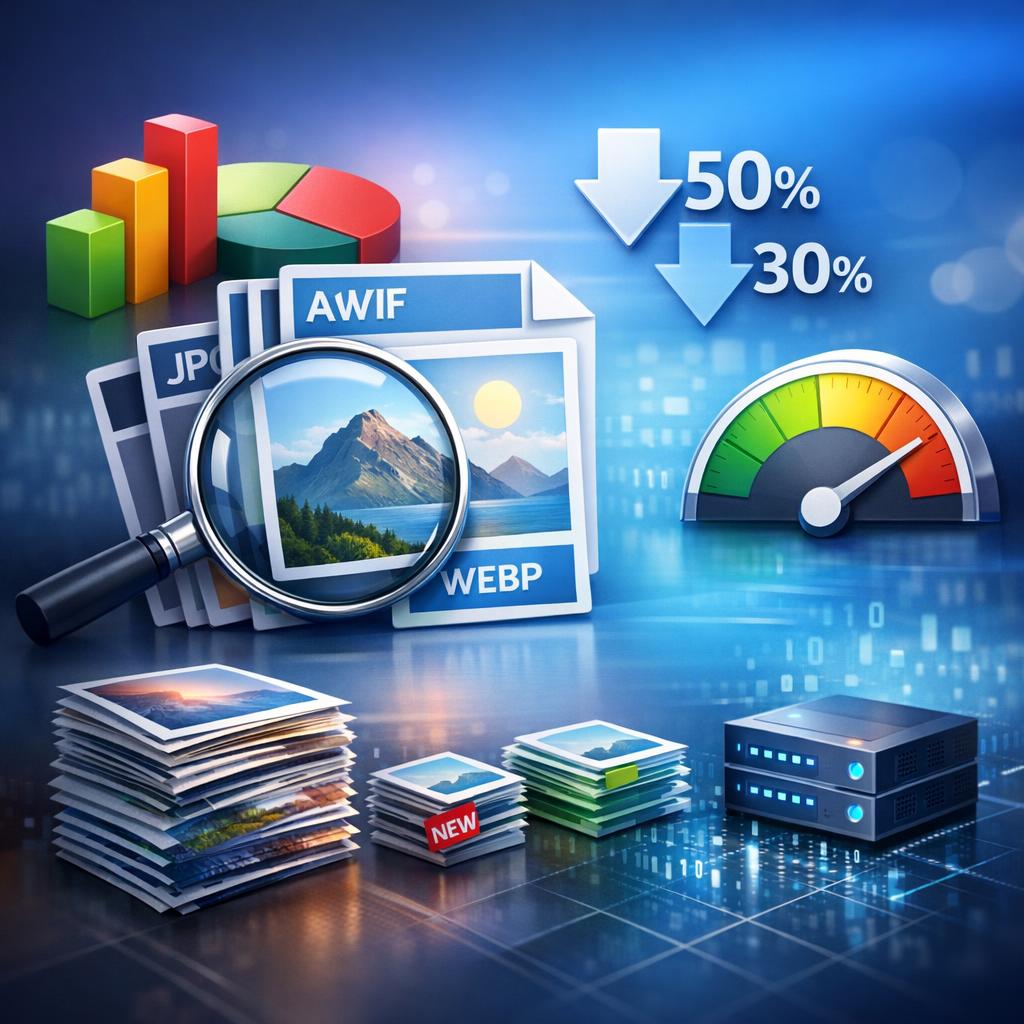
The image format you choose has profound implications for performance. Most websites still rely exclusively on legacy formats like JPEG and PNG, missing out on modern alternatives that deliver dramatically smaller file sizes. WebP images are typically 30% smaller than equivalent JPEGs while maintaining identical visual quality. AVIF, the newest format, pushes this even further with file sizes up to 50% smaller than JPEG, though browser support is still catching up.
Here’s the strategic approach to format selection that professional developers use:
- WebP: Your primary format for photographs and complex images (97%+ browser support)
- AVIF: Serve to modern browsers with fallback to WebP (progressive enhancement strategy)
- SVG: Always use for logos, icons, and simple graphics (infinitely scalable, tiny file sizes)
- PNG: Reserve only for images requiring transparency when WebP isn’t supported
- JPEG: Use as final fallback for older browsers
The implementation isn’t complex—using the HTML picture element allows you to serve modern formats with automatic fallbacks. This ensures cutting-edge performance for modern browsers while maintaining compatibility with legacy systems. The performance impact is immediate and measurable.
Compression Strategies That Preserve Quality
Understanding compression is crucial for balancing file size against visual quality. There are two fundamental approaches: lossy compression (reduces file size by discarding some image data) and lossless compression (reduces file size without any quality loss). For most business applications, lossy compression at the right quality level delivers optimal results.
The sweet spot for photographic images is typically 85% quality when using lossy compression. This setting produces images that are visually indistinguishable from the original to human eyes while reducing file sizes by 50-70%. Going beyond 85% quality produces diminishing returns—a 95% quality image might be 3x larger than 85% with no perceptible quality improvement. Conversely, dropping below 75% quality often introduces visible artifacts that damage brand perception.
Professional image optimization workflows incorporate automated compression tools that batch-process images at optimal settings. Tools like ImageOptim, Squoosh, and TinyPNG provide excellent results, but the real efficiency comes from integrating compression into your content workflow. CDN-based solutions like Cloudflare Images, Imgix, and Cloudinary automatically optimize images on-the-fly, serving perfectly sized and compressed versions based on the requesting device and browser.
Responsive Images and Lazy Loading: The Performance Multiplier
Serving the same massive desktop image to mobile users is wasteful and harmful to performance. Responsive image techniques ensure each device receives appropriately sized images. The HTML srcset and sizes attributes enable browsers to automatically select the optimal image variant based on screen size and resolution. This single technique can reduce mobile image payload by 60-80%.
Consider retina and high-DPI displays in your responsive image strategy. Modern devices with 2x or 3x pixel density require higher resolution images to appear sharp, but this doesn’t mean serving massive files. A properly optimized @2x image at 85% quality is often smaller than a standard resolution image at 100% quality while looking significantly better on retina displays.
Lazy loading represents another critical optimization that dramatically improves initial page load performance. The native loading=”lazy” attribute tells browsers to defer loading images until they’re about to enter the viewport. This means users don’t wait for below-the-fold images to load before interacting with your page. For image-heavy pages, lazy loading can reduce initial page weight by 40-60%, delivering immediate performance improvements without any visual compromise.
Advanced Lazy Loading Techniques
Progressive image loading (the “blur-up” effect popularized by Medium) takes lazy loading further by showing a tiny, blurred placeholder that’s only a few kilobytes while the full image loads. This creates the perception of instant loading while actually improving performance. The Intersection Observer API enables sophisticated lazy loading implementations that preload images just before they enter the viewport, creating seamless user experiences.
Platform-Specific Optimization Solutions
Each major platform has specific considerations for image optimization. WordPress automatically generates multiple image sizes, but default settings are rarely optimal. Custom image sizes, proper srcset implementation, and plugins like ShortPixel or Imagify dramatically improve WordPress image performance. For businesses running enterprise WordPress installations, custom WordPress development ensures images are optimized throughout the content workflow.
Shopify includes built-in image optimization through its CDN, but product images still require proper preparation before upload. Shopify’s image filters enable dynamic resizing, but starting with properly sized source images prevents quality degradation. E-commerce businesses benefit from specialized Shopify development that optimizes product imagery for maximum conversion.
Magento requires more manual configuration for optimal image performance. Proper image caching, CDN integration, and format conversion significantly improve Magento store performance. Enterprise retailers should consider professional Magento development to implement advanced image optimization strategies that scale with catalog size.
The ROI of Proper Image Optimization
The business impact of image optimization extends far beyond technical metrics. Google’s Core Web Vitals make page speed a direct ranking factor, meaning proper image optimization improves organic visibility. Faster load times reduce bounce rates and increase engagement—Amazon found that every 100ms of latency cost them 1% in sales. For a business generating $1M annually, that’s $10,000 per 100ms.
Implementation doesn’t require massive investment. A comprehensive image optimization audit and implementation typically pays for itself within weeks through improved conversion rates and reduced bandwidth costs. The key is systematic implementation: audit current image performance, establish optimization workflows, implement responsive images and lazy loading, and monitor ongoing performance.
Businesses serious about digital performance should treat image optimization as a core competency, not an afterthought. Whether you’re running an e-commerce empire or a content-driven site, images represent your largest optimization opportunity. The question isn’t whether to optimize—it’s how quickly you can implement these strategies before your competitors do.
Ready to unlock the performance gains hiding in your image assets? Explore our case studies to see the measurable impact of professional image optimization and comprehensive digital optimization services that transform website performance into competitive advantage.